The following resources contain additional information on MySQL Please use them to get more in-depth knowledge on this topic.

Useful Sites on MySQL

  • MySQL and PERL − Its a tutorial from Tutorials Point which explains you how to use MySQL along with PERL and DBI module. Here you will learn all the required MySQL operations alongwith examples.
  • MySQL Official Website − Here you can download the latest MySQL release, get the MySQL news update. The mailing list is also a great resources for anyone who want to build dynamic websites using MySQL.
  • PHP Official Website: − A complete resource for PHP stuff. Starting from latest PHP updates to latest function manual is available at this site.
  • MySQL at Wikipedia − A small article on MySQL, worth to go through it.
  • MySQL Reference Manual − A complete official reference for MySQL.
  • MySQL-sr-lib − MySQL General Purpose Stored Routines Library. This is a A repository of ready to use routines for everyday needs. This program is free software; you can redistribute it and/or modify it under the terms of the GNU General Public License.
  • Understanding SQL − If you are new to SQL then go through this tutorial to understand SQL basics. SQL, the Structured Query Language, is a mature, powerful, and versatile relational query language.
Useful Books on MySQL

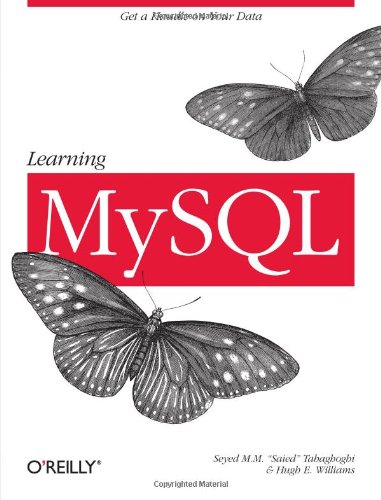
  • Learning MySQL
  • MySQL Crash Course
  • Murach's MySQL
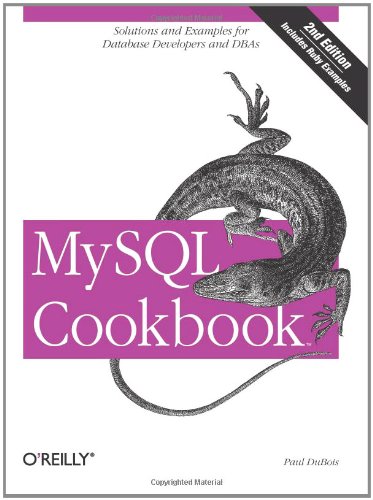
  • MySQL Cookbook
  • High Performance MySQL: Optimization, Backups, and Replication
  • MySQL (4th Edition)

Comments

Popular posts from this blog

Virtualization is one of the most important technology feature and Microsoft has invested on this and the responsible role is called as Hyper-V. Let us now see how to install the Hyper-V Role, for doing this we should follow the steps given below. Step 1  − To Install DNS role go to “Server Manager” → Manage → Add Roles and Features. Step 2  − Click Next. Step 3  − Select the  Role-based  or  feature-based installation  option → click Next. Step 4  − I will install a Local Hyper-V role as it will Select a server from the server pool → Next. Step 5  − From the Roles lists, check the Hyper-V Server role → click Add Features on the popup windows which show up and then → Next. Step 6  − Click Next. Step 7  − Choose your server’s physical network adapters that will take part in the virtualization → Next. Step 8  − Under  Migration , leave the default settings →  Next . Step 9  − Choose the...

HaydarOrac

The Windows Firewall with Advanced Security is a firewall that runs on the Windows Server 2012 and is turned on by default. The Firewall settings within Windows Server 2012 are managed from within the  Windows Firewall Microsoft Management Console . To set Firewall settings perform the following steps − Step 1  − Click on the Server Manager from the task bar → Click the Tools menu and select Windows Firewall with Advanced Security. Step 2  − To see the current configuration settings by selecting  Windows Firewall Properties  from the MMC. This  allows access to modify the settings  for each of the three firewall profiles, which are –  Domain, Private and Public  and IPsec settings. Step 3  − Applying custom rules, which will include the following two steps − Select either  Inbound Rules  or  Outbound Rules  under  Windows Firewall with Advanced Security  on the left side of the management console...